- 1 Quick Answer: What are the best WordPress eCommerce plugins in 2026?
- 2 Quick Look: Top eCommerce Plugins for WordPress Store
- 3 How I Tested These WordPress eCommerce Plugins
- 4 5 Best WordPress eCommerce Plugins (Detailed Review)
- 5 Final Verdict: Which WordPress eCommerce Plugin Should You Choose?
- 6 FAQs
Everyone says: “Just use WooCommerce.”
And that’s exactly why most WordPress stores struggle.
After testing over 20+ WordPress eCommerce plugins, I found some eCommerce tools that performed exactly as expected. The others? They surprised me, especially the ones most people don’t even consider.
Most of us simply pick “WooCommerce” and call it a day. Yet they don’t understand the trade offs. Or the simple fact that there are tons of WordPress eCommerce plugins in the whole WordPress ecosystem.
- Some plugins are faster to launch.
- Some are easier to manage.
- And a few are better depending on what you’re actually selling.
I didn’t just list features. I set them up, tested checkout flows, pricing models and real world usability.
In this guide, you’ll see:
- The obvious choices. (like WooCommerce)
- The underrated tools nobody talks about.
- And the best option based on your specific store type.
Because the wrong eCommerce plugin doesn’t just slow down, it costs you sales.
Quick Answer: What are the best WordPress eCommerce plugins in 2026?
WooCommerce is the best all-around WordPress e-Commerce plugin in 2026. Due to its unmatched ecosystem, high performance and cost-effectiveness, WooCommerce personalizes shopping experience for all.
However, there are still many other eCommerce plugins for WordPress that are way better than WooCommerce – depending on your business model.
Keep scrolling to find out 😉
| Rank | Plugin | Best For | Setup Speed | Flexibility |
|---|---|---|---|---|
| 🥇 | WooCommerce | Full featured stores. | Medium | Very High |
| 🥈 | Easy Digital Downloads | Digital products. | Fast | Medium |
| 🥉 | WP Simple Pay | Simple payments. | Very Fast | Low |
| 4 | Ecwid | Multi-channel selling. | Very Fast | Medium |
| 5 | BigCommerce for WordPress | Large scale stores. | Slow | High |
Quick Look: Top eCommerce Plugins for WordPress Store
Don’t have time to scroll? No worries! Make your decision right away by sparing a quick glance at the best WordPress eCommerce plugins of all time:
How I Tested These WordPress eCommerce Plugins
Every plugin in this list was tested against real eCommerce store requirements, not just feature lists like you’ll find in 90% of the other blogs out there 🙂.
Speaking from experience, I suggest you to never ever rely on demos alone to make purchasing decisions. Demos always work perfectly. It’s the real plugin which you have to test.
Thus, I set up actual test environments to see how these plugins perform in real scenarios.
Below are the things I tested when evaluating the best WordPress plugin:
- Setup time: How fast can you launch a store?
- Payment integrations: Support for Stripe, PayPal and other popular gateways.
- Performance impact: Does it slow down your WordPress site? It shouldn’t.
- Customization flexibility: Control over design, checkout and features.
- Ease of use : Checking whether beginners can manage it without confusion.
- Advanced Features: To make sure it can grow alongside your eCommerce business.
All these tests make sure the recommendations are based on real world usage, not assumptions or fake marketing claims.
However, one more thing I forgot to add is, I also considered documentation quality, support availability and real user friction points during testing.
The goal was simple: find eCommerce plugins that are actually usable for different types of WordPress store owners.
5 Best WordPress eCommerce Plugins (Detailed Review)
WooCommerce
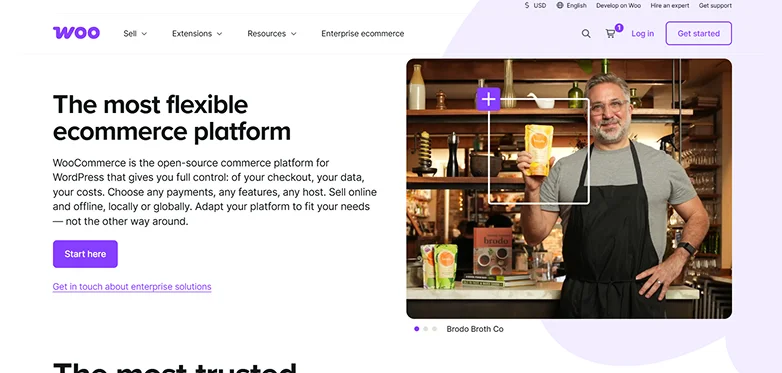
If you’ve ever searched for a WordPress eCommerce plugin, you already know WooCommerce.
It’s the most popular WordPress eCommerce plugin, and for good reason. But popularity doesn’t always mean it’s the best fit for you.
When I tested WooCommerce, one thing was clear: it gives you full control over your store.
From products to checkout to shipping, everything is customizable. But here’s the downside most people don’t talk about:
You’re also responsible for setting everything up.
That includes:
- Payments
- Taxes
- Shipping rules
- Performance optimization
If you’re okay with that, WooCommerce is incredibly powerful. If not, it can get overwhelming real quickly.
Key Features:
- Sell physical and digital products (Native) as well as subscriptions and services (using extensions).
- Built-in Shipping and tax Calculation.
- Inventory and Order Management.
- Full control over checkout and store design.
- WooPayments + over 140 region-specific payment gateways like Stripe, Amazon Pay, Square, and more.
- Customize every aspect of your client’s shopping experience
Pros:
- Cost-effective and free.
- Complete control and ownership of your WooCommerce store.
- Highly flexible and SEO friendly.
Cons:
- You are responsible for full technical management.
- While the plugin itself is free, you may need paid Woo extensions as you grow.
- Easy to start, complex to customize.
My Verdict: WooCommerce is still the most powerful eCommerce plugin for WordPress store owners, even in 2026. Yet it’s not the easiest.
If you’re willing to invest time in setup and optimization, it can handle almost anything. If not, the next plugins on this list might save you a lot of time.
Easy Digital Downloads
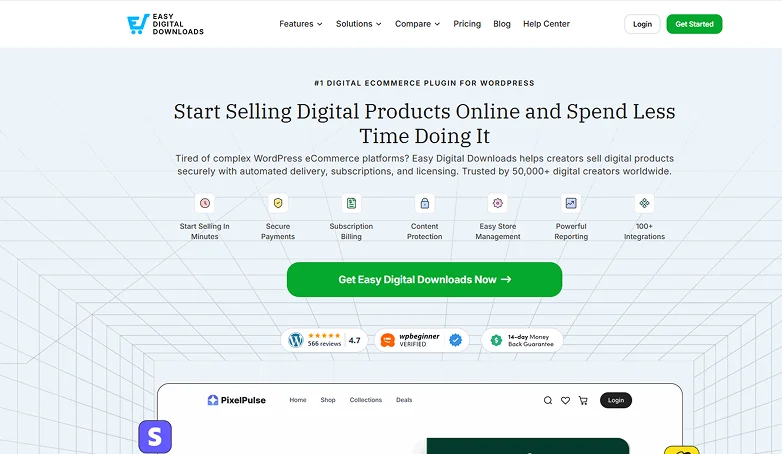
If you’re selling digital products only, using WooCommerce is simply overkill.
That’s where Easy Digital Downloads (EDD) makes more sense. It is another WordPress eCommerce plugin built specifically for selling:
- eBooks.
- Software.
- PDFs.
- Courses.
- Music or downloads.
And that focus shows.
EDD felt much simpler right from the start. The setup was much faster, compared to WooCommerce, and managing digital products was easier than ever.
But here’s the limitation:
It’s not designed for physical products.
So, if your WordPress store only plans to sell digital products, Easy Digital Downloads is worth it.
Key Features:
- Flexible payment gateways.
- Built-in dashboard for tracking earnings, trends and customer history.
- Coupon codes for discount.
- Automatically generates unique, expiring download links.
- Software licensing for businesses selling themes and plugins.
- Connects with 100+ third party tools.
Pros:
- Smooth checkout.
- Specific features like automated file delivery, unique download links, etc.
- Dedicated support.
Cons:
- High Cost for extensions.
- No or very limited way to sell physical goods.
- Smaller themes library compared to WooCommerce.
My Verdict: If your business is purely digital, EDD is a smarter and simpler choice than WooCommerce. It allows you to launch and sell your digital products in lighting speed with zero complexity.
WP Simple Pay
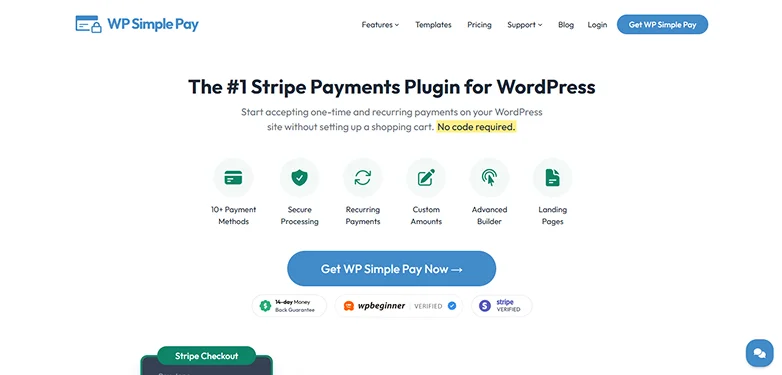
Not every business needs a full eCommerce store. And this is where most people overcomplicate things.
WP Simple Pay is a lightweight Stripe payment plugin for WordPress. It allows you to accept one-time or recurring payments without creating any complex eCommerce shopping cart.
When I tested WP Simple Pay, the biggest advantage was obvious: It’s the fastest way to start accepting payments on WordPress.
No product setup. No cart. No inventory headaches.
Just create a payment form and start selling.
It works especially well if you’re:
- Selling services.
- Offering subscriptions.
- Taking donations.
- Or selling just 1 or 2 products.
But here’s the catch. It’s not a WordPress “store” plugin. There’s no product catalog or advanced shipping system. But if you’re fine with it, go for it!
Key Features:
- Simple checkout forms.
- Recurring payments.
- Advanced drag-and-drop builder with pre-made templates.
- Option to pass Stripe processing fees on to customers.
- 10+ payment methods including credit cards, Apple Pay, Google Pay “Buy Now, Pay Later” and a lot more.
- Dedicated landing pages.
- Drag & Drop custom fields.
Pros:
- Simple user interface and lightweight.
- Extensive payment methods.
- Fully responsive.
Cons:
- No shopping cart.
- Stripe Only.
- 3% transaction fees even in the free version.
My Verdict: If WooCommerce feels overwhelming, this one is its complete opposite. WP Simple Pay is the simplest way to start selling on WordPress, but only if your needs are simple.
Ecwid
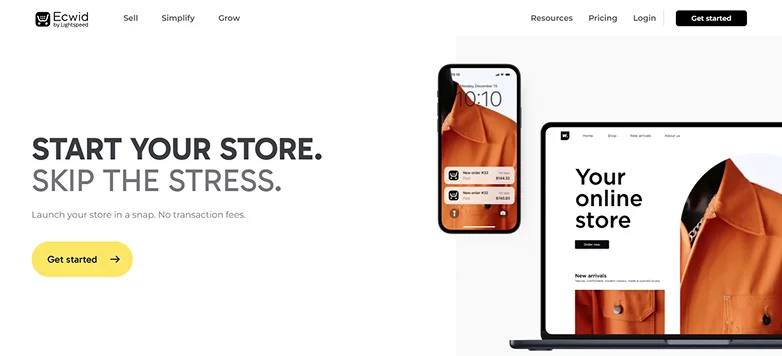
Now let’s flip the model completely. Rather than running everything inside WordPress, Ecwid works differently. It feels more like a plug-and-play store.
Ecwid By Lightspeed is a cloud-based, SaaS eCommerce plugin for WordPress that lets you embed a fully hosted store into your existing WordPress site.
You don’t build everything from scratch like WooCommerce. This WordPress eCommerce plugin lets you create your store in Ecwid, and embed it right into your WordPress. And it just works.
The biggest advantage? You can sell everywhere from one dashboard.
- Your WordPress site.
- Facebook.
- Instagram.
- Amazon.
- eBay.
All synced automatically.
That’s something most WordPress plugins struggle with.
Key Features
- Multi-channel selling via Facebook, Instagram, TikTok, and more.
- 70+ payment gateways.
- Automatic real-time shipping rate calculations.
- eCommerce mobile app for IOS and Android.
- 70+ site templates to choose from.
- Unlimited hosting and security options.
Pros
- Zero transaction fees.
- Easy setup.
- Lightweight.
Cons
- Limited customization.
- Dependency on external hosting.
- Basic SEO features only.
My Verdict: Ecwid is one of the easiest ways to start selling online. But you trade control for convenience.
BigCommerce for WordPress
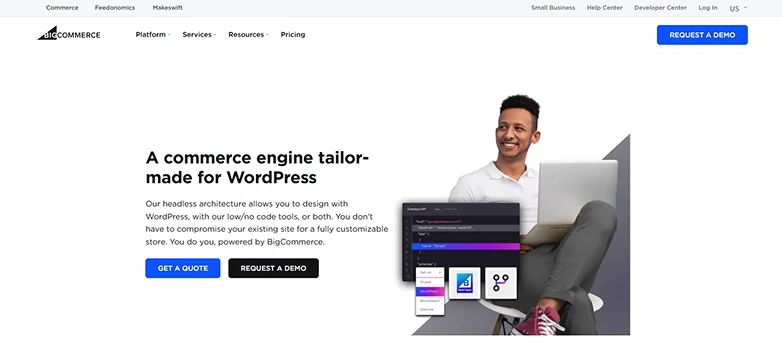
This one is different. And honestly, not for everyone.
BigCommerce for WordPress is an headless eCommerce tool that allows you to use WordPress for your front-end design while offloading all complex backend operations (like catalog management and payment processing) to BigCommerce’s secure servers.
In simple words, BigCommerce works on a headless model.
That means:
- WordPress = frontend. (design and content)
- BigCommerce = backend. (products, checkout and security)
At first, it feels complex. But after setting up, it solves a big problem many WordPress stores face daily – Performance.
Your WordPress site stays fast, even with large catalogs.
The only downside is the headless setup, which is generally more complex to implement than regular plugins like WooCommerce. Plus, it mostly needs a developer’s expertise to manage the API integrations.
But on the flip site, if you manage to tackle the setup, everything runs smoothly.
Key Features
- Headless architecture.
- Centralized management for managing multiple WordPress sites and other sales channels (like Amazon, eBay or Social media)
- No transaction fees.
- Advanced catalog support with up to 600 SKUs per product and 250 option values.
- Gutenberg Ready.
Pros
- Offloads resource heavy tasks; improving site load time by 80% compared to local plugins.
- Built-in advanced tools like real time shipping quotes, professional reporting, and many more.
- Developer friendly and 24/7 customer support.
Cons
- Complex setup.
- Higher monthly subscription costs.
- Lower adoption in the WordPress ecosystem.
My Verdict: BigCommerce is a powerful eCommerce WordPress plugin , but niche. It’s not the default choice, yet if you need scalability without slowing down WordPress, it’s one of the smartest setups you can use.
Final Verdict: Which WordPress eCommerce Plugin Should You Choose?
There are several WordPress eCommerce plugins in the WordPress ecosystem. Yet most WordPress store owners simply go with the most popular choice – WooCommerce.
We’re not saying WooCommerce is overhyped or the wrong pick. But it’s also never wrong to take a look at other rising eCommerce plugins for WordPress in the market to make sure you don’t miss out on anything.
If you’re still unable to decide which WordPress plugin is best for E-Commerce, let us help you get started on the right foot:
- If you want full control and flexibility, Go with WooCommerce.
- If you sell digital products, Pick Easy Digital Downloads.
- If you sell memberships or subscriptions, MemberPress is the best.
- If you just want to accept payments, WP Simple Pay is the best-pick.
- If you want multi-channel selling, Ecwid is worth considering.
- If you’re handling large stores, BigCommerce for WordPress is an unbeatable choice.
In a nutshell, WooCommerce is still the most powerful WordPress eCommerce plugin, but not always the smartest choice.
The best plugin is the one that fits your business model, saves you time and avoids unnecessary complexity.
Related Articles:
- 7 Top Rated WordPress Themes With Demo Content (Free and Premium)
- 9 Best WordPress Redirect Plugins in 2026
- What Is WordPress and How Does It Work? (Beginner Guide)
FAQs
Which plugin is commonly used for eCommerce in WordPress?
WooCommerce is most commonly used for eCommerce in WordPress due to its flexibility, free core plugin and extensive ecosystem.
How much does WooCommerce plugin cost?
The core WooCommerce plugin is 100% free to use for WordPress.
Is WordPress good for eCommerce?
Absolutely, Yes! WordPress is perfect for eCommerce because it gives you total ownership of your WordPress online store. You can also customize your WordPress store as you want by using plugins such as WooCommerce.
What is the average cost of a WordPress eCommerce website?
The average cost of creating a WordPress eCommerce website depends on what kind of website you are planning to make. A simple eCommerce website for small businesses can cost around $2000 to $5000.